Land Claiming Basics
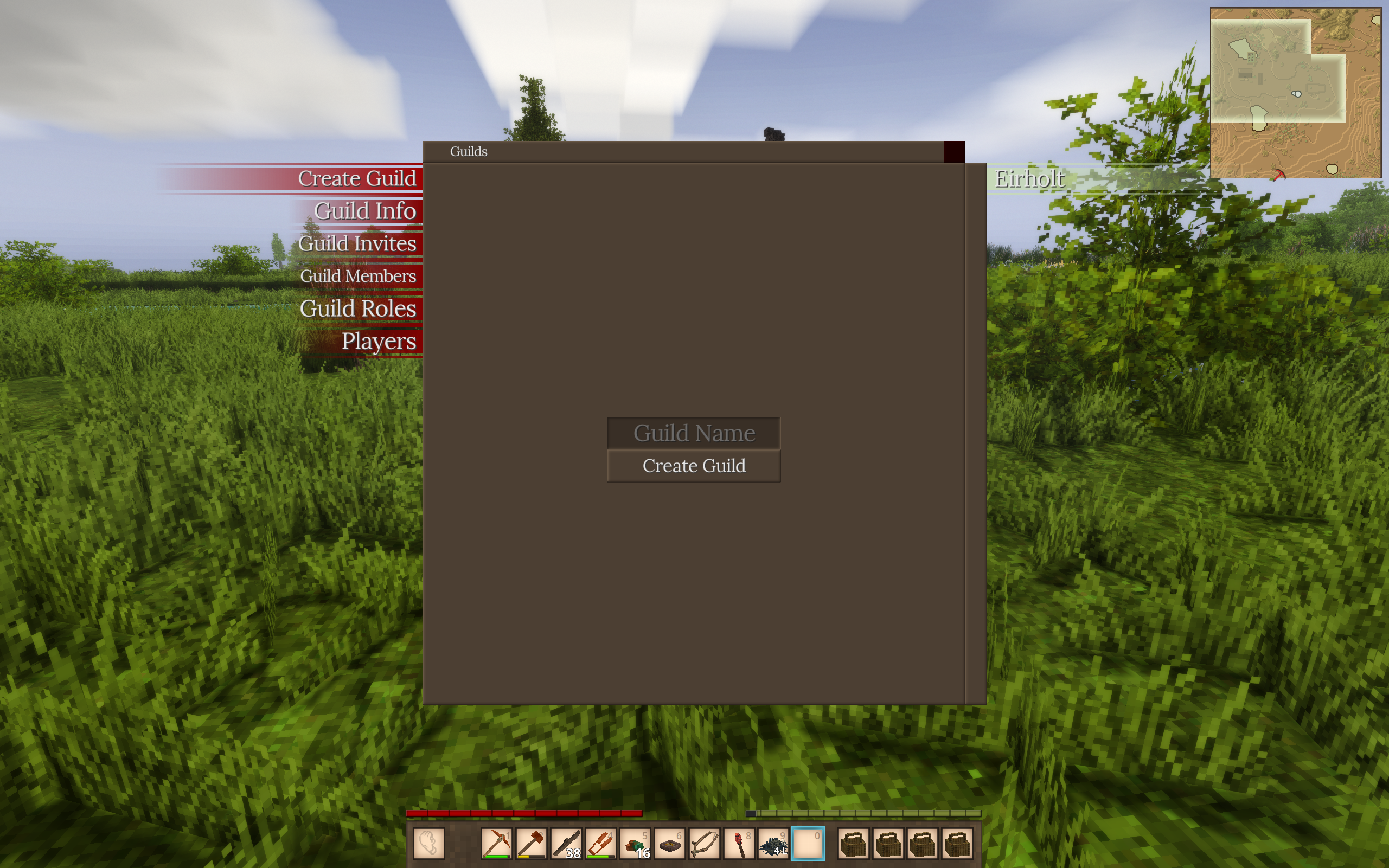
To prevent people from breaking your builds and taking your stuff, you can create land claims with a convenient GUI! To start the process press \on your keyboard to open the GUI, you can then create a new Guild, which will manage the protected chunks and members.
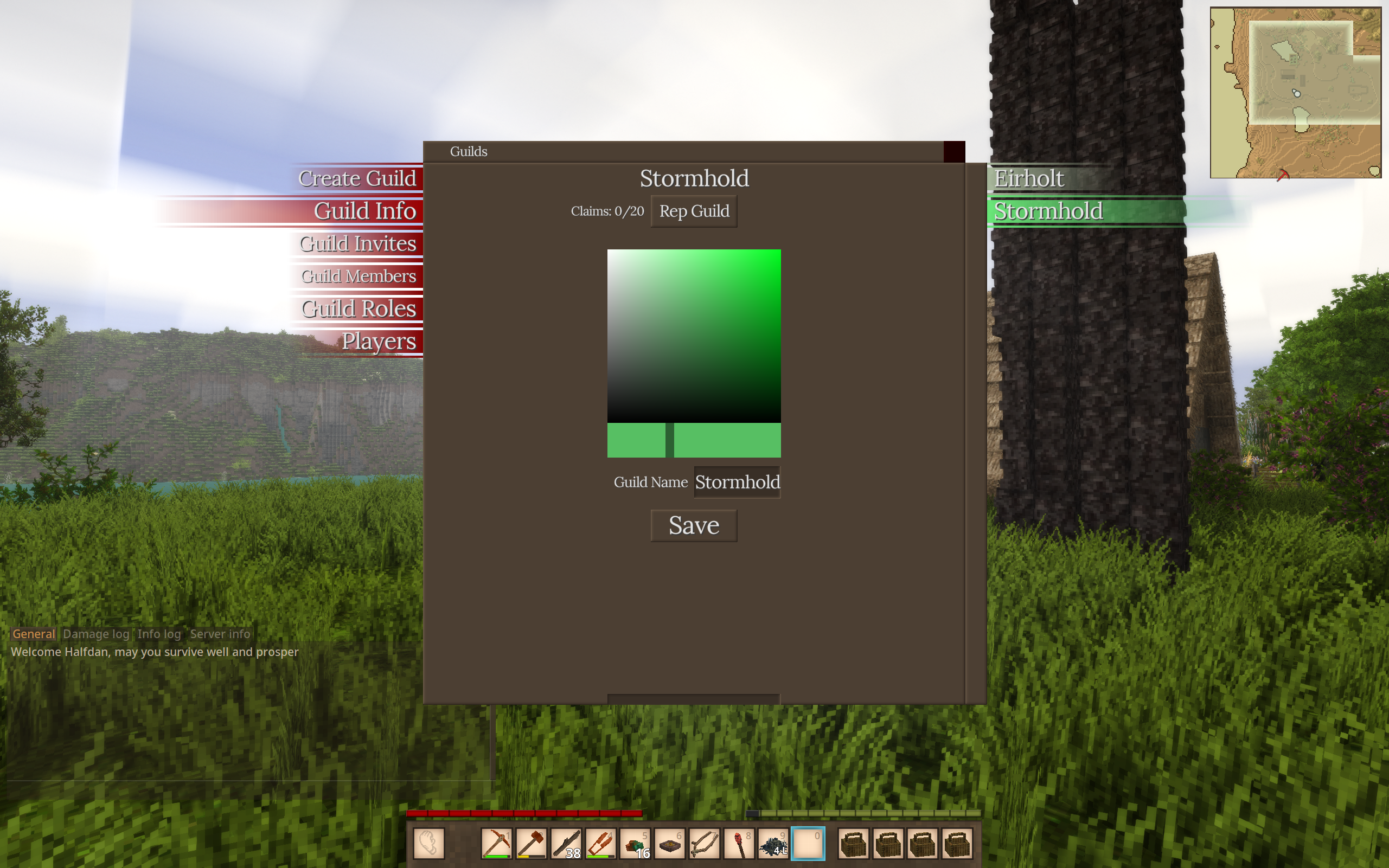
When you finish creating the guild, you can go to the “Guild Info” screen, and change with Guild you are representing for land claims, a list of all the Guilds you will are apart of will be on the right side.
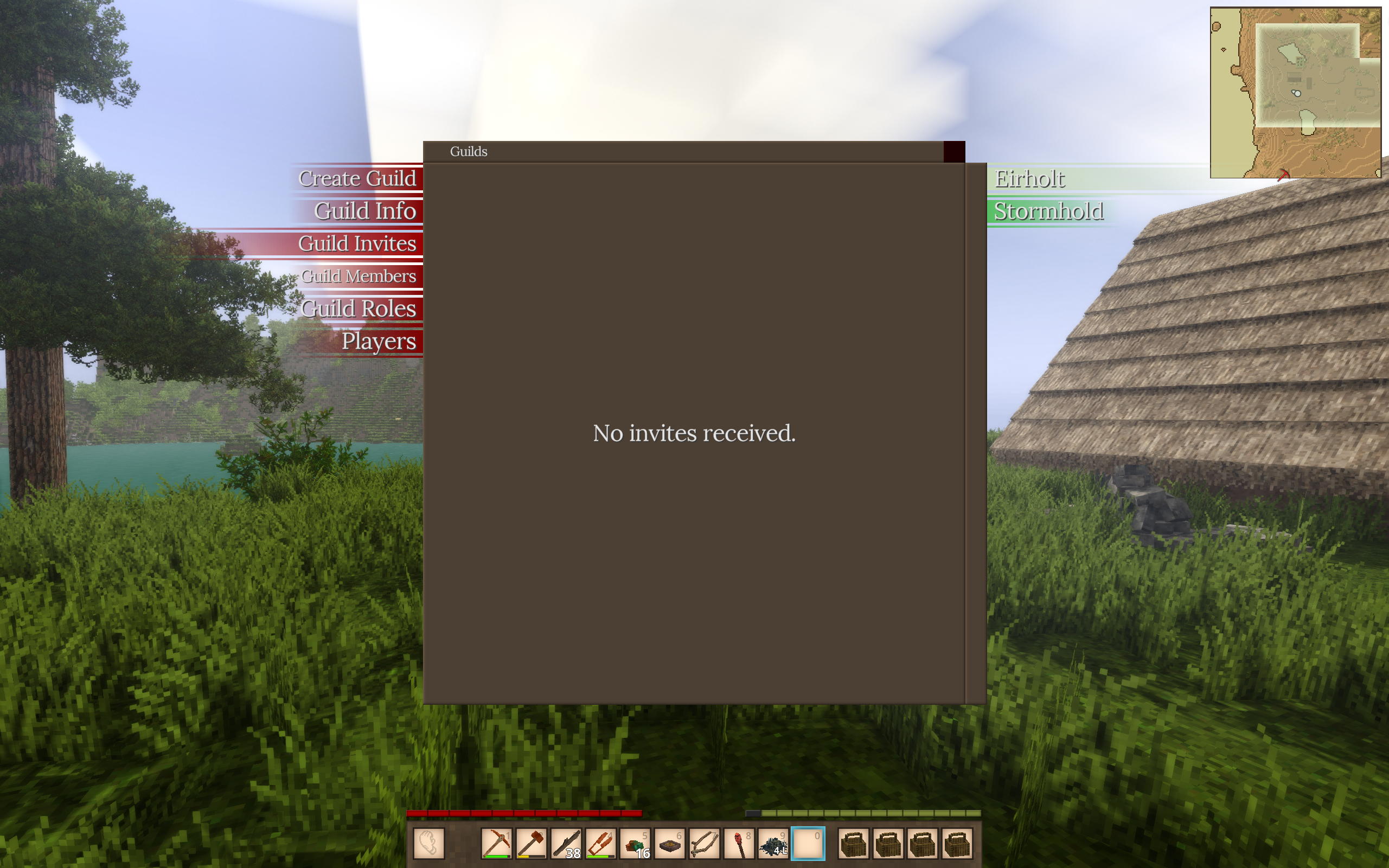
The next page “Guild Invites” will show any Guilds you have been invited too.
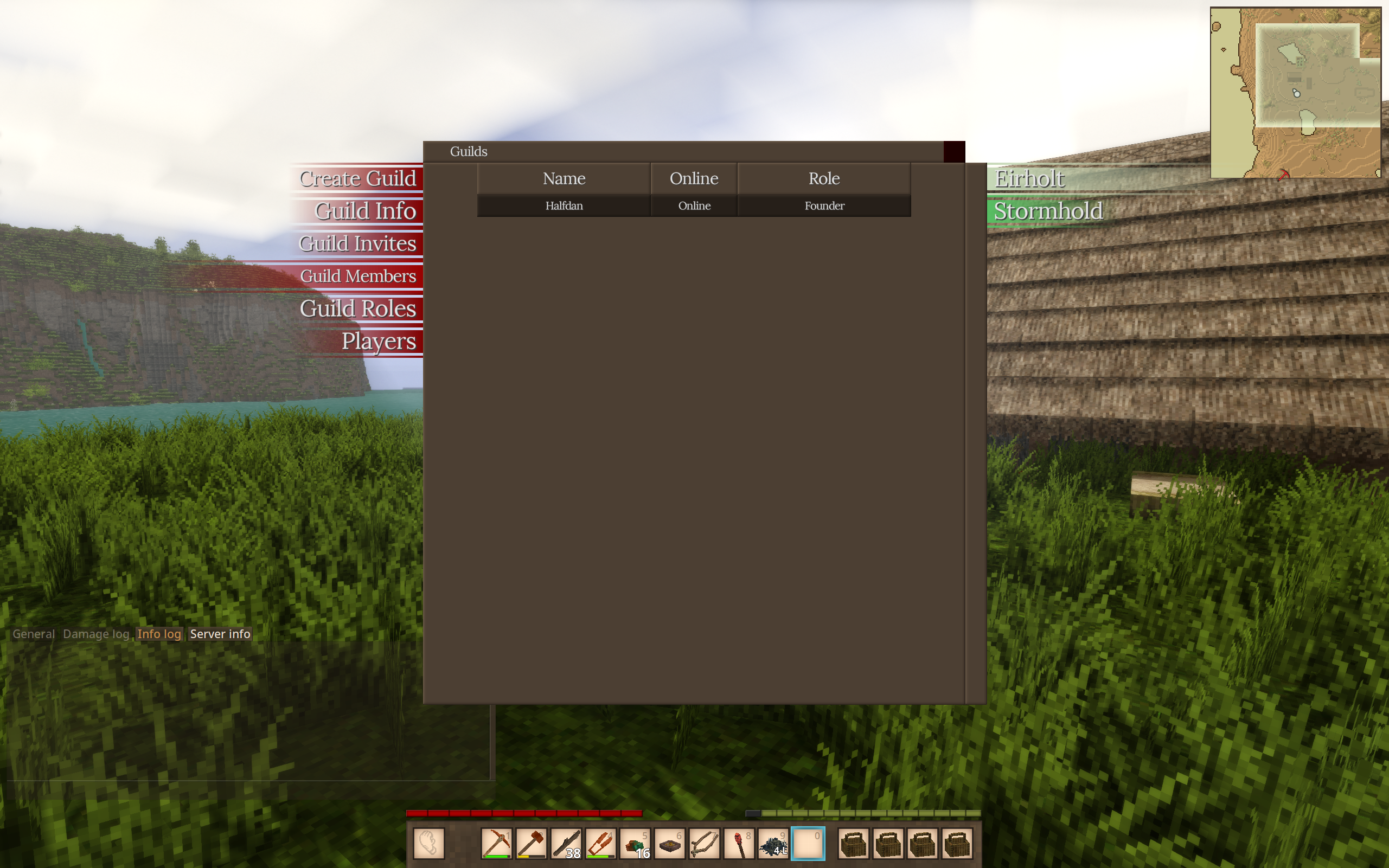
“Guild Members will show all the members of the Guild”
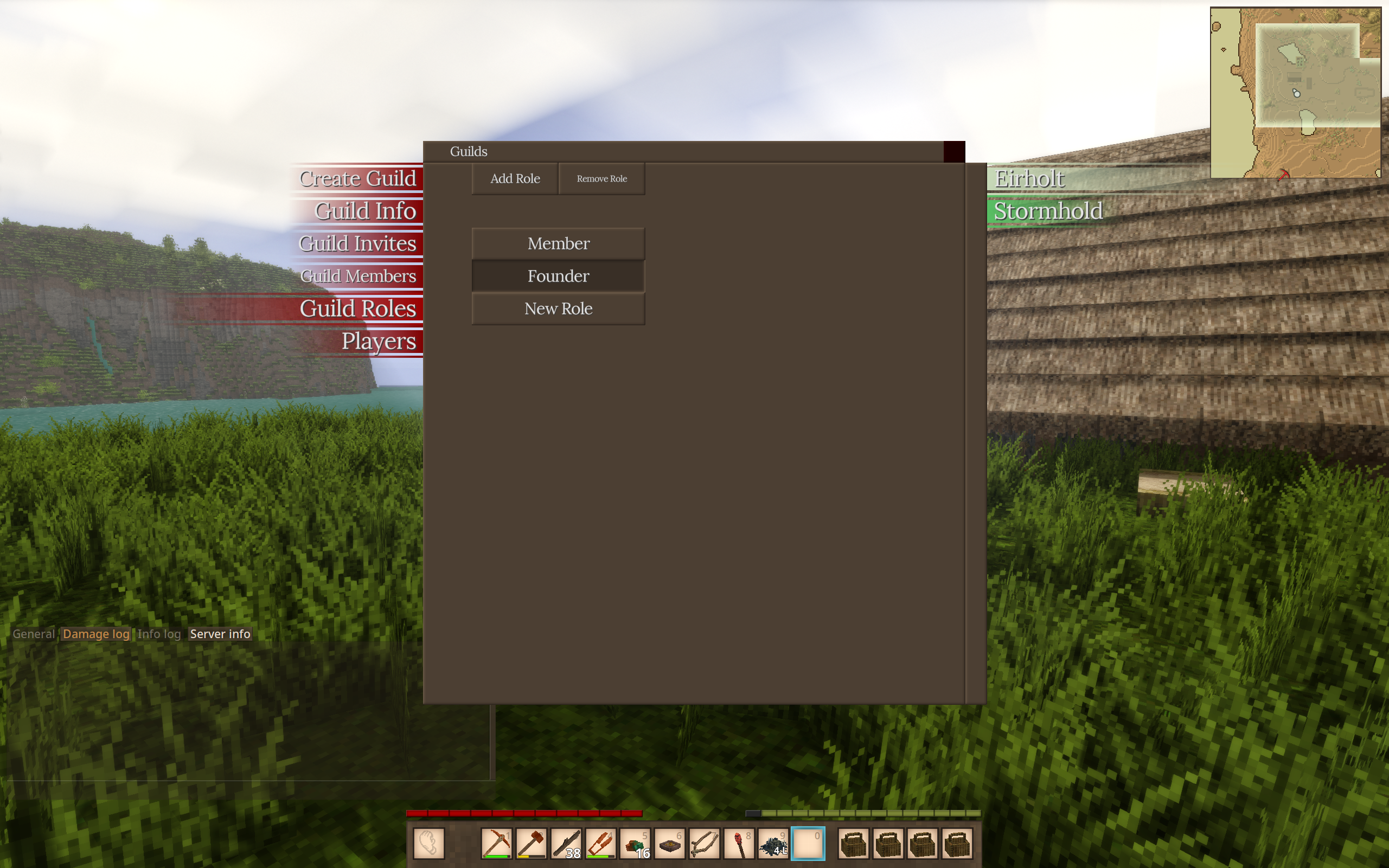
“Guild Roles” will allow you to give members specials roles and permissions within the claim.
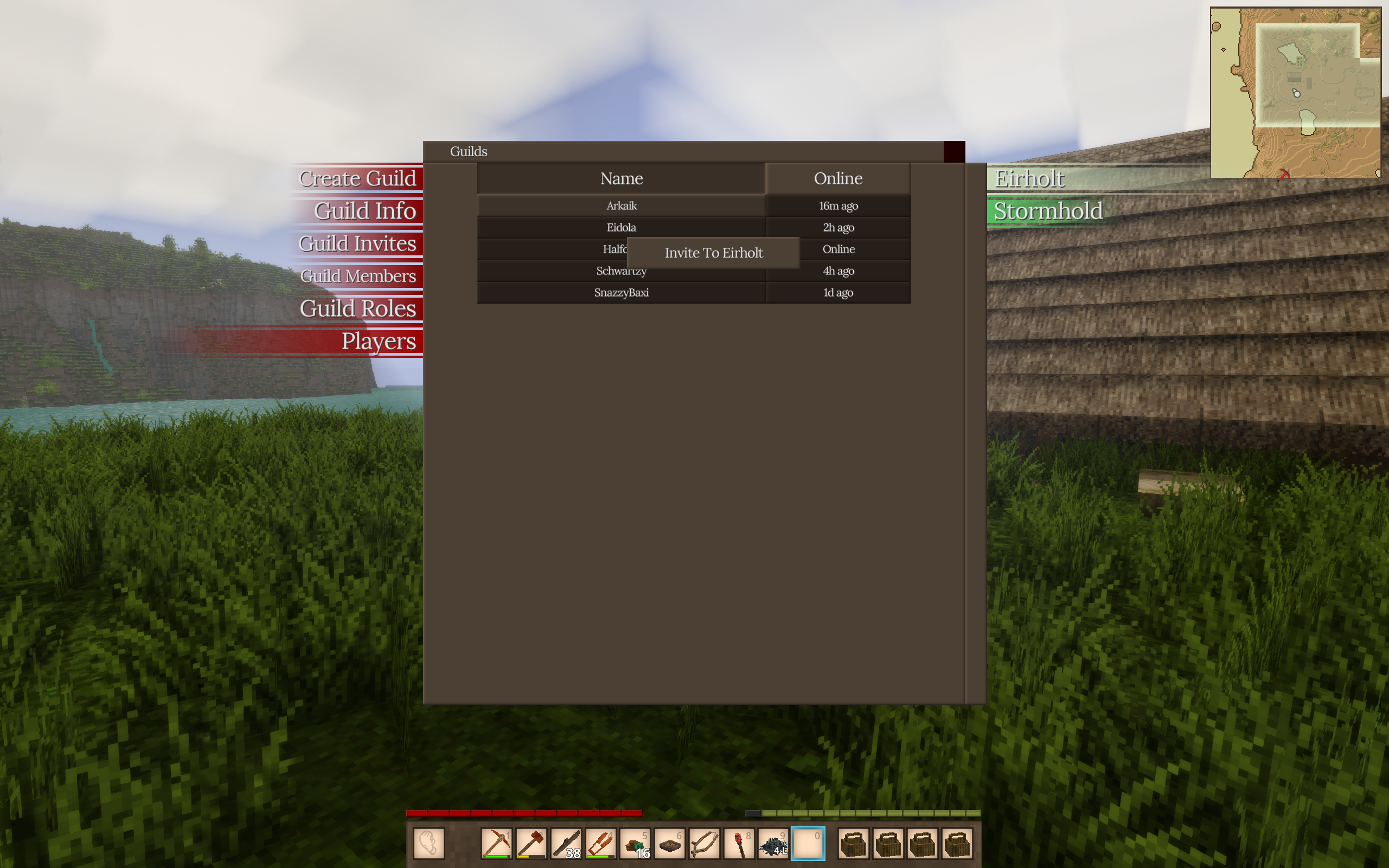
“Players” will show you all the players on the server, you can sort by name or activity, and right click a name to invite them to the guild you are currently representing.
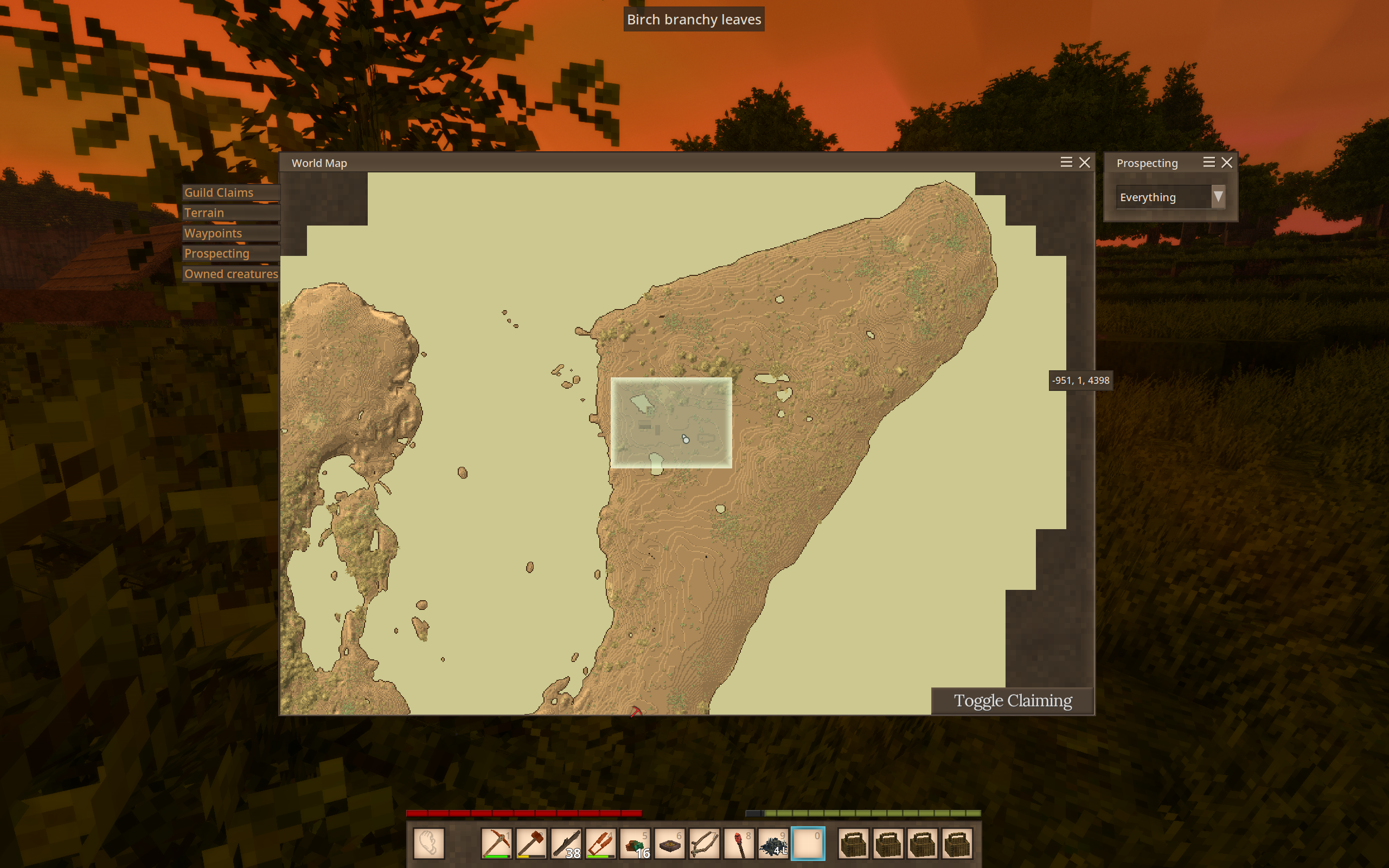
In order start claiming, open your map, and enable the toggle claiming button, you can then begin to middle click all of the chunks you would like to claim. Each player in a guild adds 20 more claim chunks. You must be within two chunks to claim another.